When planning a secure data erasure project, one of the first questions is usually simple:
How long will it take?
The answer depends on the drive, its capacity, its condition and the erasure method being used. A small SSD may be sanitised in minutes. In contrast, a high-capacity HDD can take many hours.
This guide provides practical planning estimates for NIST 800-88 aligned single-pass overwrite erasure using the Ultratest Genesis platform.
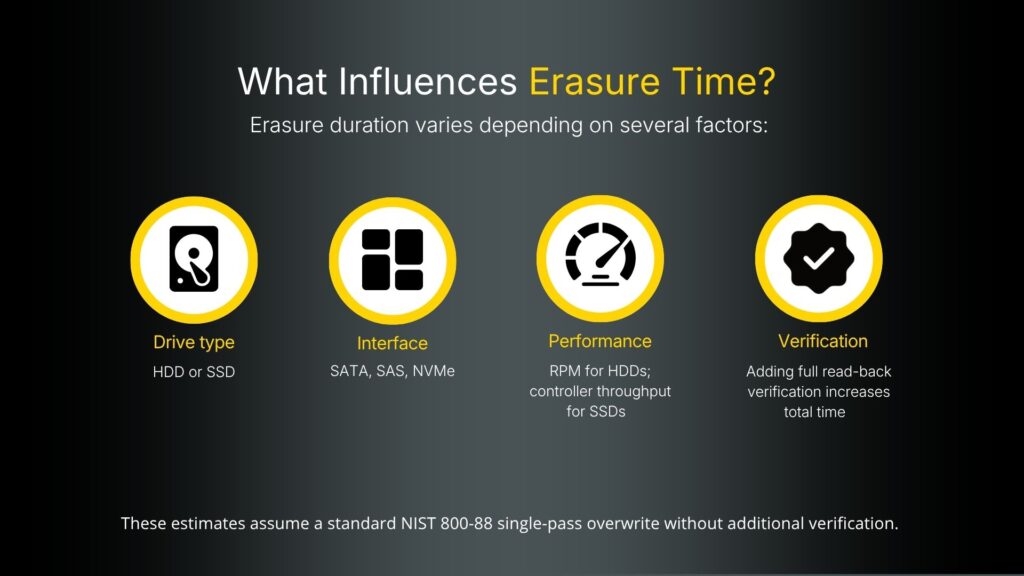
What affects drive erasure time?
Erasure time is not based on capacity alone.
Two drives with the same capacity can take different amounts of time to erase. This is because drive type, interface, performance, health and verification settings all affect the process.
| Factor | Why it matters |
| Drive type | HDDs and SSDs behave differently during erasure. HDDs are usually limited by mechanical write performance. SSDs depend more on controller speed and interface. |
| Capacity | Larger drives usually take longer because more data sectors need to be overwritten or processed. |
| Interface | SATA, SAS and NVMe interfaces have different throughput limits. |
| Drive performance | A 5400 RPM HDD will usually be slower than a 7200 RPM or enterprise SAS HDD. |
| Verification | Full read-back verification increases the total time because the system must check the drive after writing. |
| Drive health | Drives with bad sectors or weak areas can take longer, especially where repair is attempted during erasure. |
HDD erasure estimates
For HDDs, erasure time is mainly driven by sustained write performance.
As a general guide:
| HDD type | Typical sustained write performance |
| 5400 RPM HDD | Around 100 MB/s |
| 7200 RPM HDD | Around 150 MB/s |
| Enterprise SAS HDD | Around 180–220 MB/s |
The following estimates are based on approximately 150 MB/s sustained write performance.
They assume a standard NIST 800-88 single-pass overwrite without additional verification.
| HDD capacity | Estimated erasure duration |
| 250 GB | Around 30 minutes |
| 500 GB | Around 60 minutes |
| 1 TB | Around 2 hours |
| 2 TB | Around 4 hours |
| 4 TB | Around 8 hours |
| 6 TB | Around 12 hours |
| 8 TB | Around 16 hours |
| 10 TB | Around 20 hours |
| 12 TB | Around 24 hours |
| 16 TB | Around 32 hours |
| 20 TB | Around 40 hours |
These timings should be treated as planning estimates, not guaranteed completion times.
Actual performance can vary depending on the drive model, interface, workload, condition and selected erasure schedule.
SSD erasure estimates
SSDs can often be erased faster than HDDs.
This is especially true where supported Secure Erase or Crypto Erase commands are available.
Typical SSD performance:
| SSD type | Typical sustained write performance |
| SATA SSD | Around 300–500 MB/s |
| NVMe SSD | Around 1–3 GB/s, with newer drives often higher |
For software overwrite erasure at approximately 400 MB/s, estimated durations are:
| SSD capacity | Estimated erasure duration |
| 120 GB | Around 5 minutes |
| 240 GB | Around 10 minutes |
| 480 GB | Around 20 minutes |
| 1 TB | Around 45 minutes |
| 2 TB | Around 90 minutes |
| 4 TB | Around 3 hours |
| 8 TB | Around 6 hours |
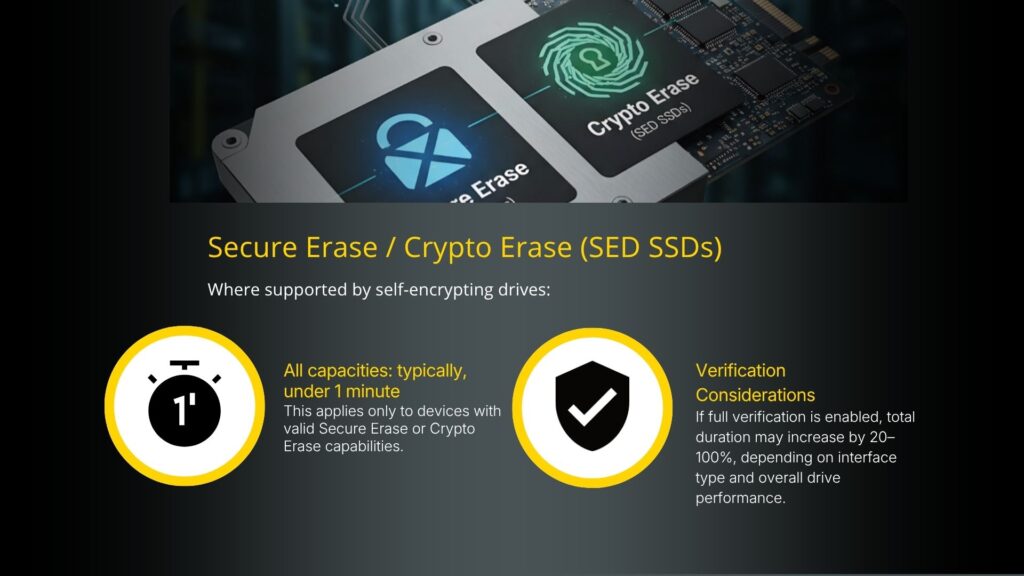
Secure Erase and Crypto Erase for SSDs
Where supported by the drive, Secure Erase or Crypto Erase can be much faster than a software overwrite.
| Method | Typical duration | Notes |
| SSD Secure Erase | Usually under 1 minute | Only applies where the drive supports a valid Secure Erase command. |
| SSD Crypto Erase | Usually under 1 minute | Applies to compatible self-encrypting drives where encryption keys can be securely removed or regenerated. |
| SSD software overwrite | Minutes to hours | Duration depends on capacity, interface and controller performance. |
SED means Self-Encrypting Drive.
A self-encrypting drive encrypts data internally as it is written. With Crypto Erase, the encryption key is removed or regenerated. This makes the existing data unreadable without needing to overwrite the full drive.
Secure Erase and Crypto Erase should only be used where the device supports the required command correctly. The selected process should also meet the required sanitisation policy.
Verification considerations
Verification can add a significant amount of time to an erasure job.
| Verification option | Impact on duration |
| No additional verification | Fastest completion time. |
| Partial or sampled verification | Adds some time, depending on the scope of checking. |
| Full read-back verification | Can increase total duration by approximately 20–100%, depending on interface and drive performance. |
Full verification may be required in some environments.
However, it should be factored into project planning because it can materially increase total processing time.
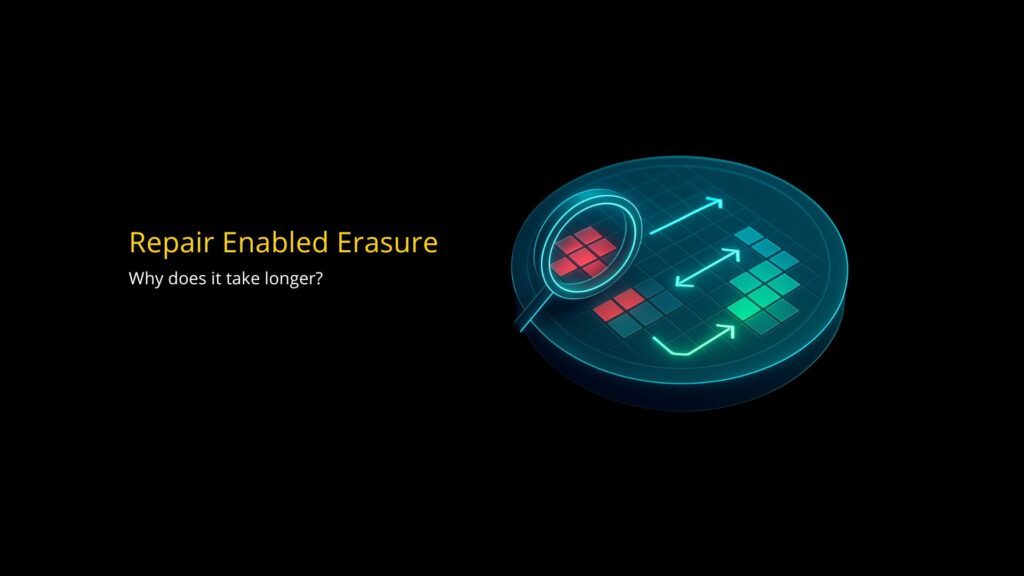
Why repair-enabled erasure can take longer
Genesis repair is not a separate quick fix carried out before or after erasure.
It is part of the erasure workflow itself.
When an HDD is being erased, Genesis writes across the media. As that process runs, Genesis can identify problem areas such as bad or weak sectors.
Where the drive allows it, Genesis attempts to improve the condition of the HDD. It does this by supporting the drive’s own sector reallocation or remapping process.
This means repair work happens as bad sectors are discovered during erasure. It does not happen as a single standalone action at the start.
A healthy drive will usually erase more quickly. This is because the system can progress through the media with fewer interruptions.
A drive with defects may take longer. Genesis may need additional time to process problem areas, confirm bad sectors and allow the drive to remap them correctly.
| Scenario | Expected impact |
| Healthy HDD, erase only | Fastest HDD erasure route. |
| HDD with some weak or bad sectors | Erasure may take longer as problem areas are encountered. |
| HDD repair attempted during erasure | Additional time may be required because Genesis is erasing and attempting repair as part of the same process. |
| Heavily degraded HDD | Completion time can increase significantly, and repair may not always be successful. |
Genesis can attempt HDD repair during the erasure process by identifying bad sectors as they are erased. Where possible, it supports the drive’s own reallocation or remapping process.
This can improve the condition or grading of some HDDs. However, it will usually take longer than a standard erase, especially on drives with a higher number of defects.
This repair capability applies to HDDs only.
Genesis can securely erase SSDs, but SSDs do not use the same mechanical sector structure as HDDs. An HDD can potentially reallocate or remap bad sectors during the erasure process.
SSDs work differently. They manage data through flash memory, wear-levelling and controller-level processes. As a result, SSD faults cannot be repaired in the same way as HDD media defects.
| Device type | Capacity range | Estimated duration |
| HDD | 250 GB – 20 TB | Around 30 minutes to 40 hours |
| SSD software overwrite | 120 GB – 8 TB | Around 5 minutes to 6 hours |
| SSD Secure Erase / Crypto Erase | Any supported capacity | Usually under 1 minute |
| HDD repair-enabled erase | Varies by drive condition | Longer than standard erase, depending on the number and severity of defects |
Planning for large erasure projects
For larger on-site erasure projects, it is important to look beyond the time taken for a single drive.
Total project duration will also depend on handling, workflow, drive mix and reporting requirements.
| Planning area | Consideration |
| Number of drives | Higher drive volumes require more parallel processing capacity. |
| Drive mix | A batch containing small SSDs and large HDDs will not process evenly. |
| Defective drives | Drives with bad sectors may remain in process longer. |
| Required standards | Different erasure schedules and verification settings affect completion time. |
| Reporting requirements | Audit trails and certificates should be factored into the workflow. |
| Handling process | Loading, unloading, labelling and segregation can affect overall throughput. |
Good planning helps set realistic expectations before an on-site erasure project begins.
It also helps avoid delays once the work is underway.
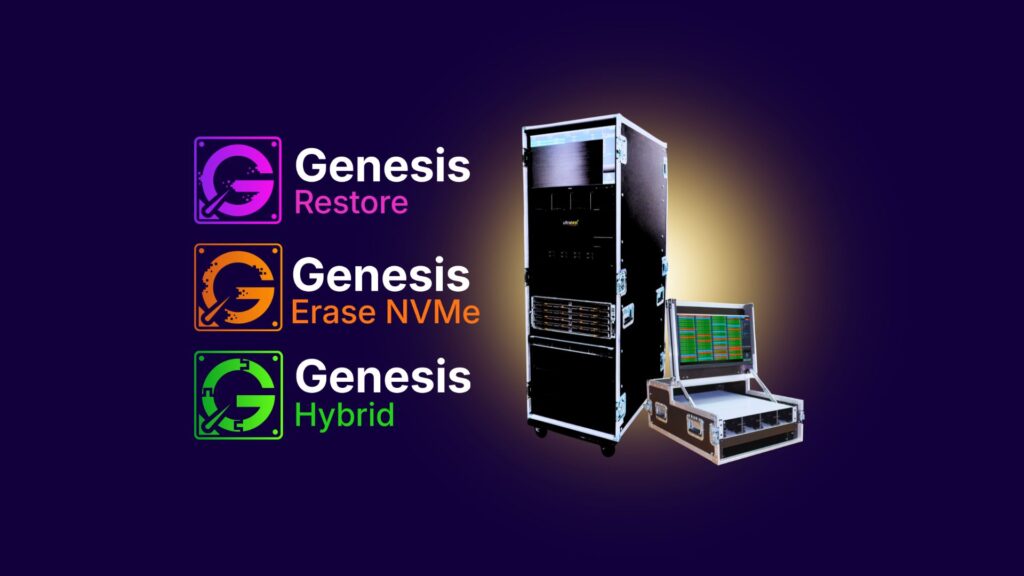
About Ultratest Genesis Restore
Genesis is Ultratest’s high-capacity drive erasure and HDD repair platform.
It supports over 15,000 storage device models and provides NIST-aligned erasure methods, detailed reporting, audit trails and certification.
The system is designed for high-volume environments where secure data sanitisation, consistent processing and clear evidence of completion are required.
Genesis enables secure, efficient and auditable data erasure at scale for data centres, enterprise IT estates and IT asset disposition projects.